Waiver Acceptances
The waiver acceptances page shows all guests who have signed your studio's liability waiver. You can search records, view signature details, and export data.
Go to Dashboard > Settings > Waiver > Acceptances to access this page.
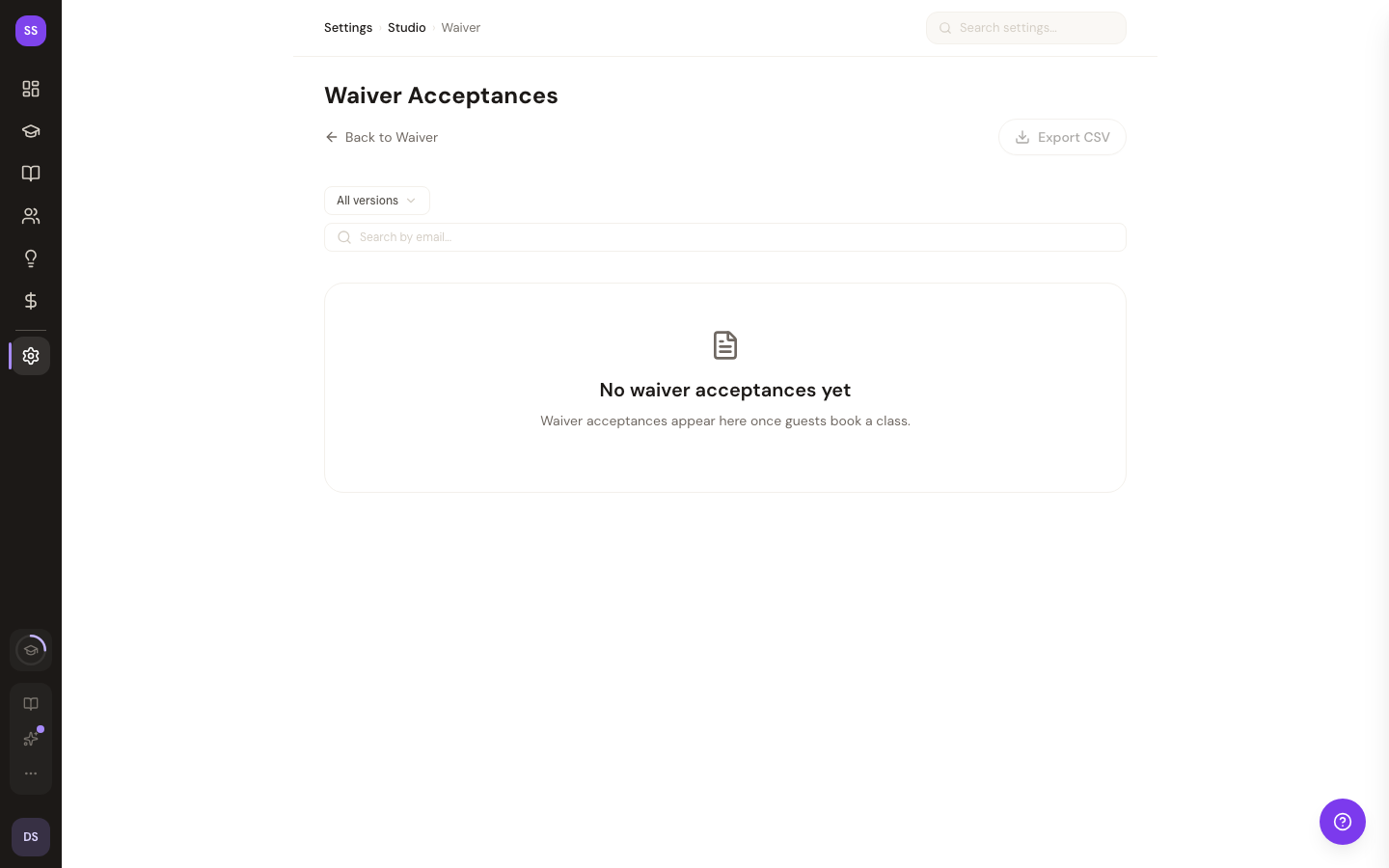
Acceptance Records
Each record shows:
- Guest email and name
- Waiver version — which version of your waiver they signed
- Signature type — Drawn, Typed, or Checkbox (shown as visual badges)
- Date accepted — when they signed
- Booking link status — whether they have an associated booking
Searching and Filtering
- Search — find records by guest email
- Filter by version — view acceptances for a specific waiver version
- Pagination — browse 50 records per page
Viewing Details
Expand any row to see the guest's responses to custom waiver fields (emergency contact, medical conditions, etc.).
Exporting
PDF Download
Download an individual waiver acceptance as a PDF document — useful for record-keeping or sharing with insurance providers.
CSV Export
Bulk export all acceptances to a CSV file. The export includes columns for email, name, waiver version, date, and signature type.
Need Help?
Contact support at support@studiobase.org if you have questions about waiver records.
Last updated March 16, 2026