Appearance Settings
The Appearance Settings page lets you choose the color scheme for your StudioBase dashboard.
To access it, go to Dashboard > Settings > Appearance.
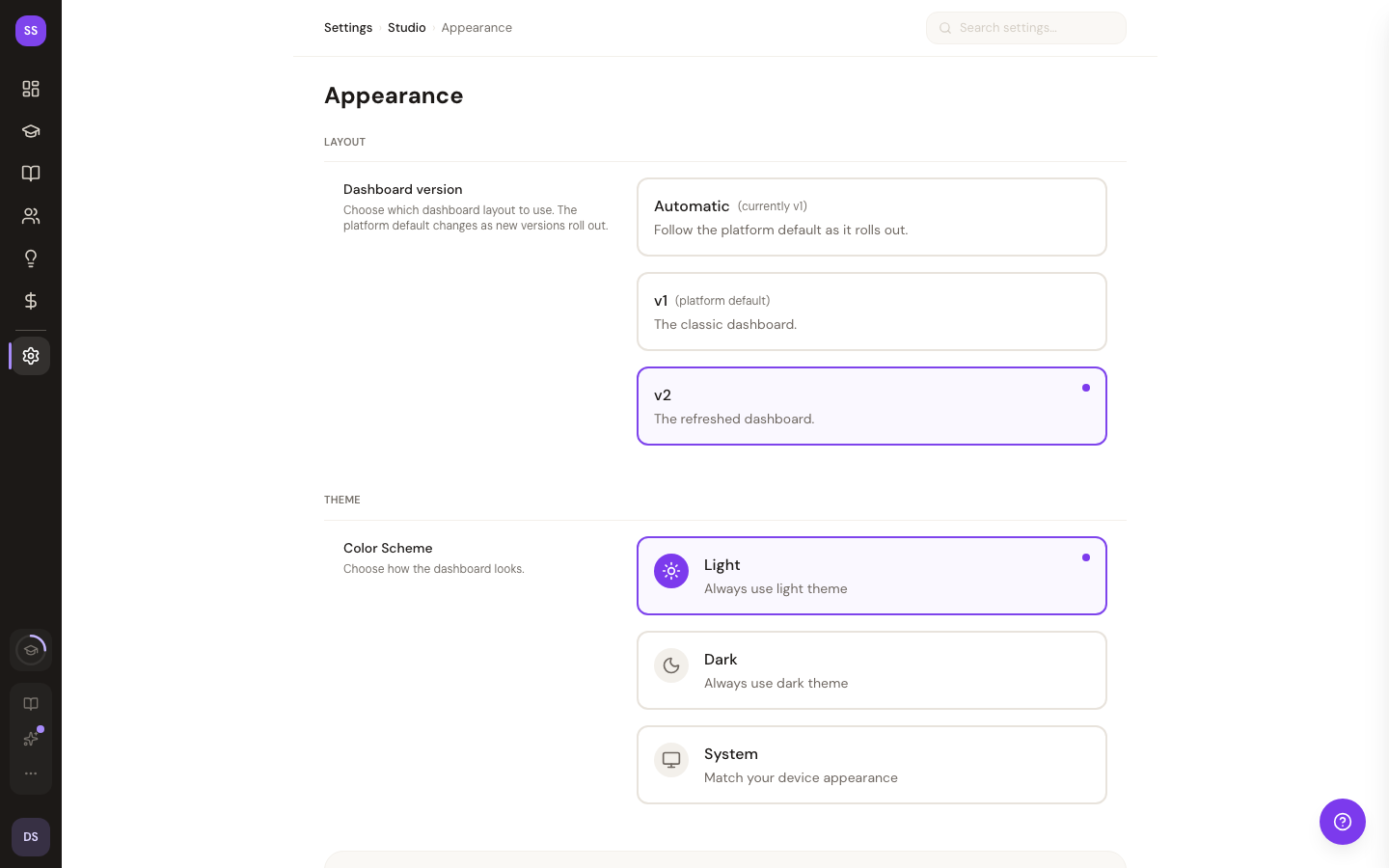
Theme Options
Select one of three theme modes:
| Theme | Behavior |
|---|---|
| Light | Always displays the dashboard in light mode, regardless of your device settings. |
| Dark | Always displays the dashboard in dark mode -- ideal for low-light environments. |
| System | Automatically switches between light and dark based on your device's preference. This is the recommended option. |
Your selection takes effect immediately -- no need to save or refresh.
Synced Across Devices
Your theme preference is saved to your studio record, so it applies consistently across every device and browser where you are signed in.
Need Help?
Contact support at support@studiobase.org if you have questions about appearance settings.
Last updated February 7, 2026