Instructor Schedule
The instructor schedule page shows all classes assigned to an instructor, organized by upcoming and past sessions.
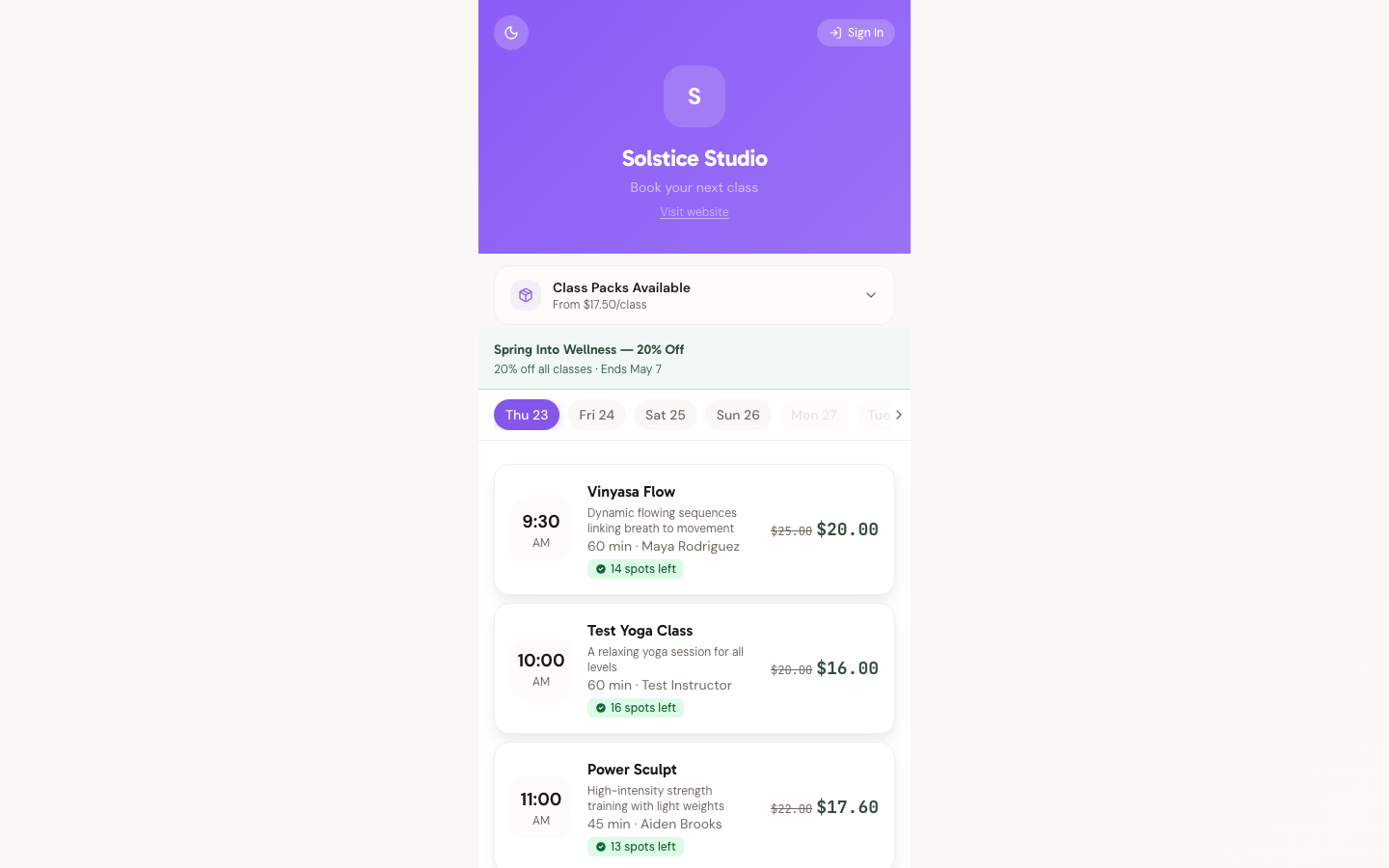
What Instructors See
At the top of the page, a filter switches between My classes (only classes assigned to the signed-in instructor) and All studio (every class at the studio, with the assigned instructor shown on each card). Below the filter, classes are organized into two sections:
Upcoming Classes
Shows all future classes for the selected filter, with:
- Class name
- Date and time (in studio timezone)
- Links to individual class details
Past Classes
Shows completed classes, useful for reviewing attendance and history.
Accessing the Schedule
Instructors access their schedule from the Schedule tab of the instructor portal at your studio's subdomain after signing in. The portal lands on the Home agenda; Schedule is one tap away.
For Studio Owners
You assign instructors to classes when creating or modifying a class. Manage instructor profiles from Instructors Settings.
Need Help?
Contact support at support@studiobase.org if you have questions about instructor scheduling.