Instructor Class View
Instructors can view details for their assigned classes through the instructor portal on your studio's booking page.
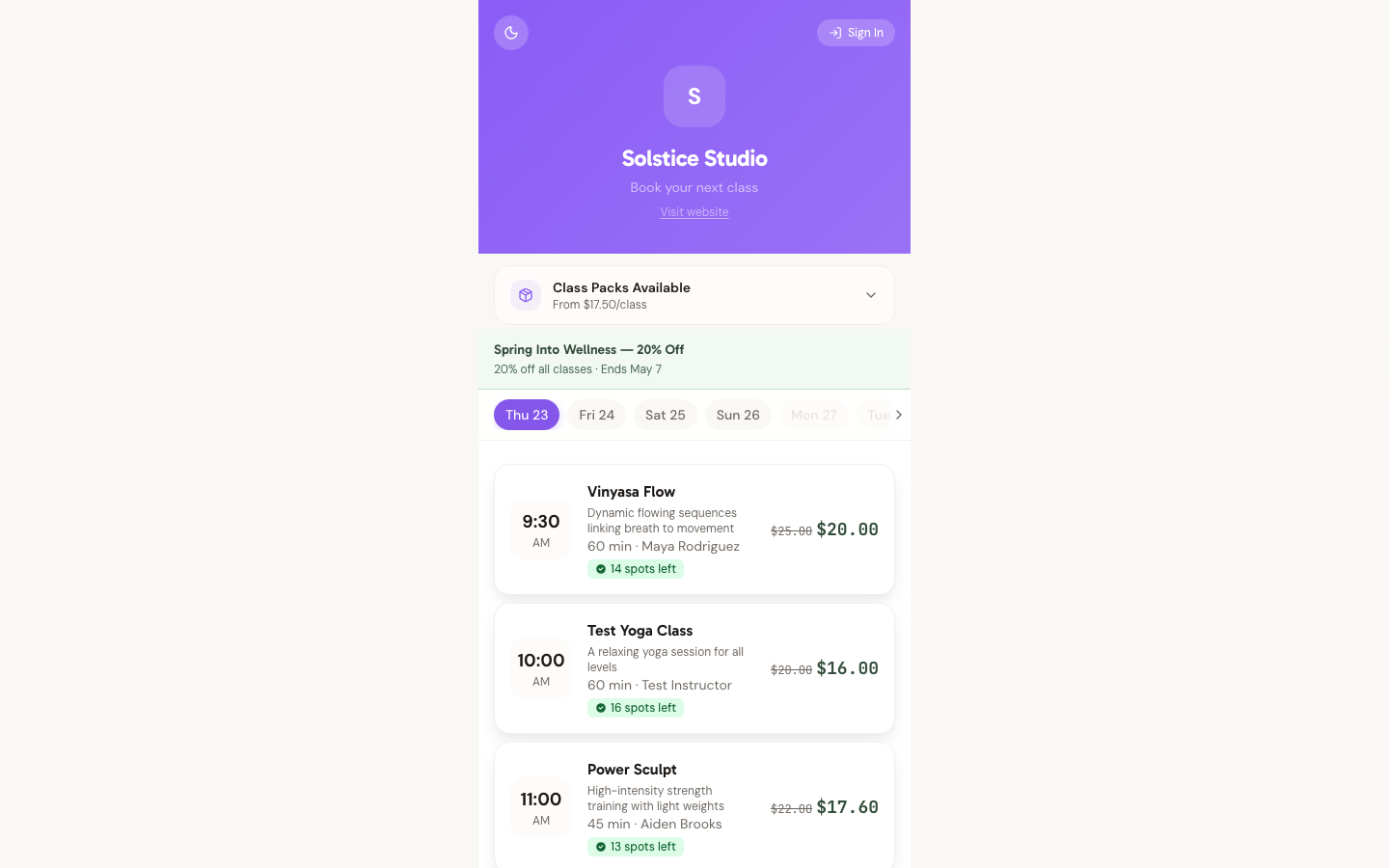
What Instructors See
The class detail view shows:
- Class name and description
- Date, time, and duration
- Booking count and capacity
- Student attendance list (if applicable)
All times are displayed in the studio's configured timezone.
Accessing the Instructor Portal
Instructors access their portal at your studio's subdomain (e.g., yourstudio.studiobase.org). They need to be signed in and have accepted their instructor invitation.
Related Pages
- Instructor Schedule — view all assigned classes
- Accept Instructor Invite — how instructors join your studio
- Add an Instructor — invite instructors from your dashboard
Need Help?
Contact support at support@studiobase.org if you have questions about the instructor portal.
Last updated March 16, 2026