Notification Settings
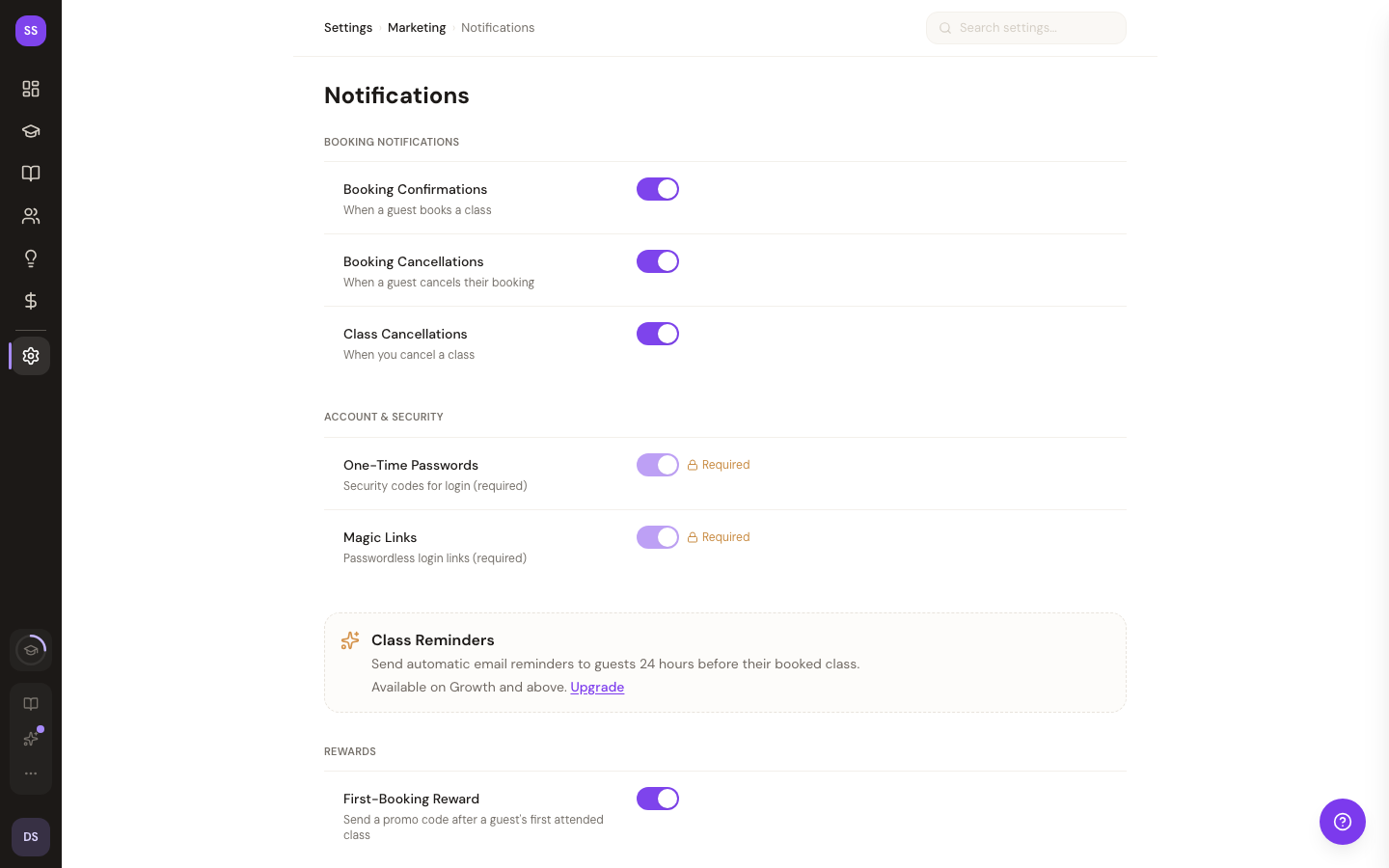
Control which email notifications StudioBase sends to you as a studio owner. Navigate to Settings > Notifications to manage your preferences.
How It Works
StudioBase sends automated emails for key events like booking confirmations, class reminders, and cancellation notices. This page lets you toggle each notification type on or off.
These settings control notifications sent to you (the studio owner). Customer-facing notifications -- such as booking confirmations sent to guests -- are separate and not affected by these toggles.
Booking Notifications
Toggle each notification type on or off:
- Booking Confirmation -- receive an email when a client books a class
- Booking Cancellation -- receive an email when a client cancels a booking
- Class Cancellation -- receive an email when a class is cancelled
Account & Security
Some notifications are required for security and cannot be disabled:
- One-Time Passwords -- required for authentication; cannot be disabled. Displays a Required badge and lock icon.
- Magic Links -- required for passwordless sign-in; cannot be disabled. Displays a Required badge and lock icon.
Required notifications are clearly marked in the settings panel so you know which ones are always active.
Reminders
- Class Reminders -- receive a reminder before your upcoming classes (toggleable)
Guest Follow-Up
- First-Visit Follow-Up -- one email to a guest 7–10 days after their first class if they haven't booked again. Off by default. Only sent to guests who opted in to your emails. See First-Visit Follow-Up.
Reports
- Weekly Digest -- receive a weekly summary of revenue, bookings, and insights every Monday
Saving Your Preferences
After making changes:
- Click Save to apply your new notification preferences
- Click Reset to discard unsaved changes and revert to the current saved state
Need Help?
Contact support at support@studiobase.org if you have questions about notification settings. For more about email features, see Email Overview.