Yearly Analytics
The yearly analytics page shows your studio's performance over the course of a full year with monthly breakdowns.
Go to Dashboard > Analytics > Yearly to access this page.
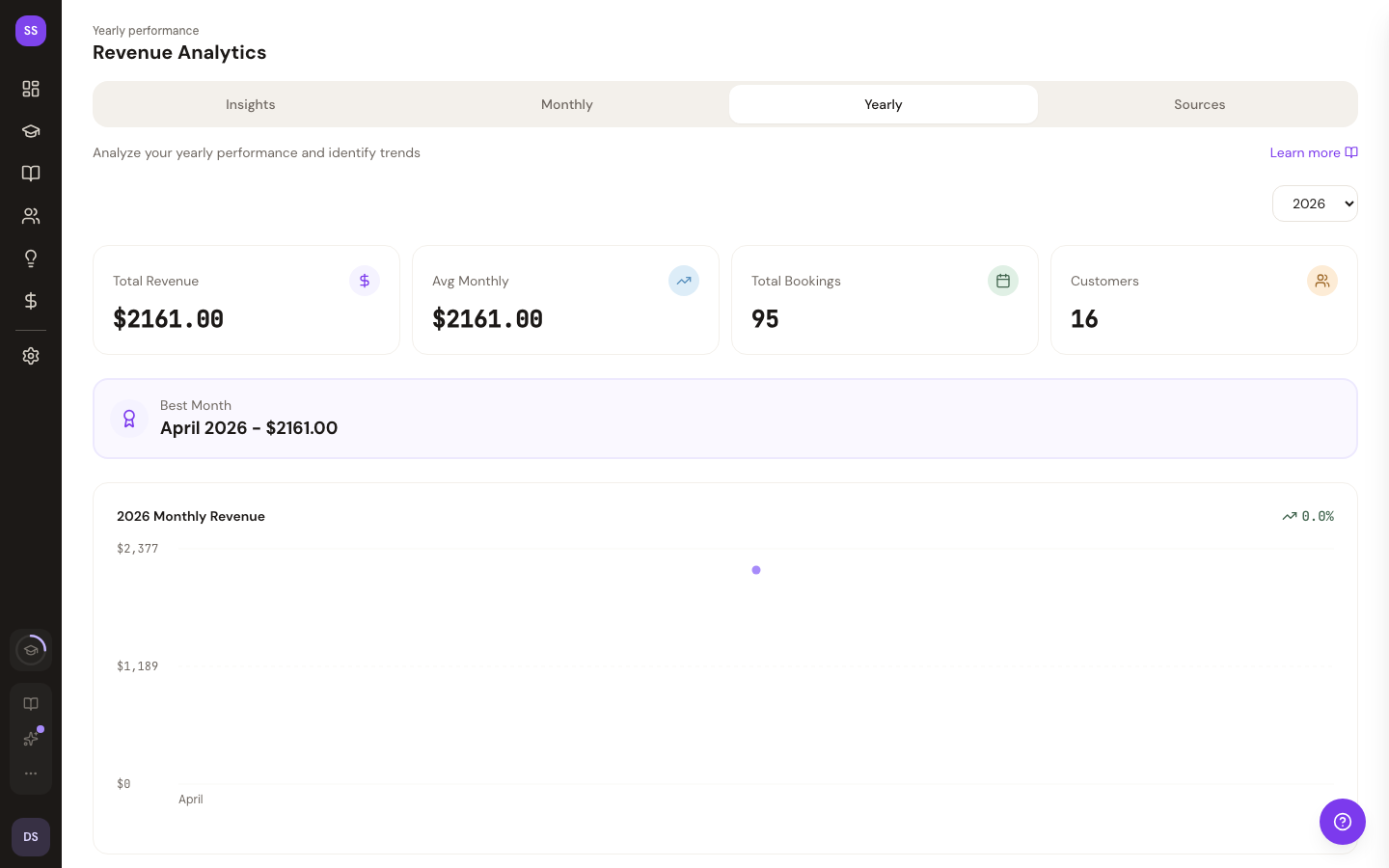
What You See
An annual performance overview with monthly data points showing:
- Revenue trends across the year
- Month-by-month comparisons
- Year-over-year growth patterns
This gives you a high-level view of your studio's trajectory and helps with long-term planning.
Related Pages
- Monthly Analytics — detailed monthly view with retention data
- Traffic Sources — booking source breakdown
Need Help?
Contact support at support@studiobase.org if you have questions about your yearly analytics.
Last updated March 16, 2026