Class Presets Settings
Class presets are reusable templates that speed up class creation. Instead of entering the same details every time, save a preset and create classes with one click.
Go to Dashboard > Settings > Class Presets to manage your presets.
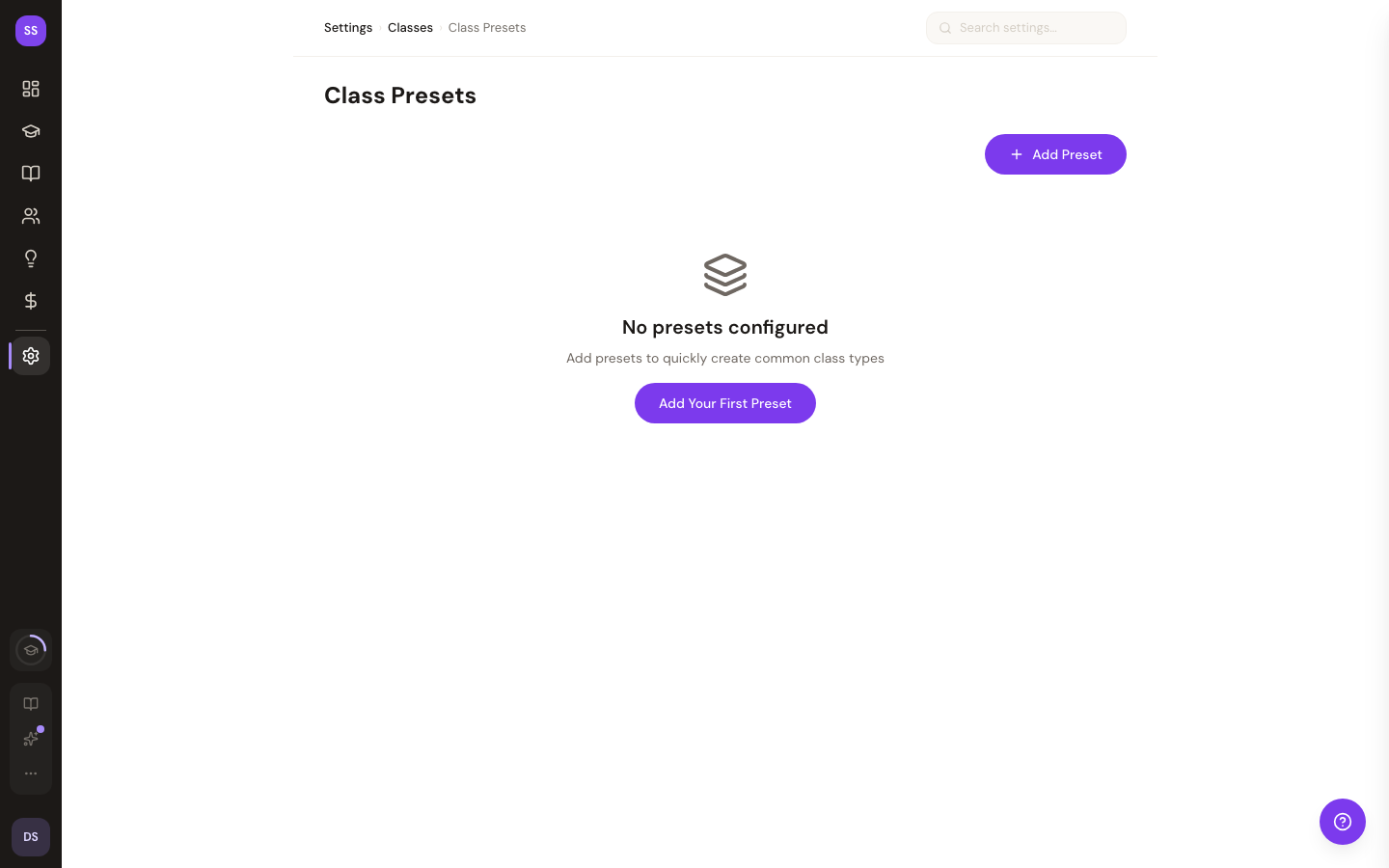
For details on how presets work during class creation, see Class Presets.
Creating a Preset
- Click Add Preset
- Fill in the template details:
- Name — class name (e.g., "Morning Yoga")
- Duration — class length in minutes
- Price — default price (leave empty for free)
- Default time — suggested start time
- Save the preset
Using Presets
When you add a class from the dashboard, your presets appear as quick-select buttons. Click one to auto-fill the class details — you just pick the date and time.
Reordering
Drag and drop presets to change their display order. The order determines how they appear on the add class page.
Editing and Deleting
Click any preset to edit its details. Delete presets you no longer need — this won't affect classes already created from that preset.
Need Help?
Contact support at support@studiobase.org if you have questions about class presets.