Promo Codes
Promo codes let you offer discounts to your students. Create codes with a fixed dollar amount or percentage off, set optional usage limits and expiration dates, and track how many times each code has been used.
To manage promo codes, go to Dashboard > Settings > Promo Codes.
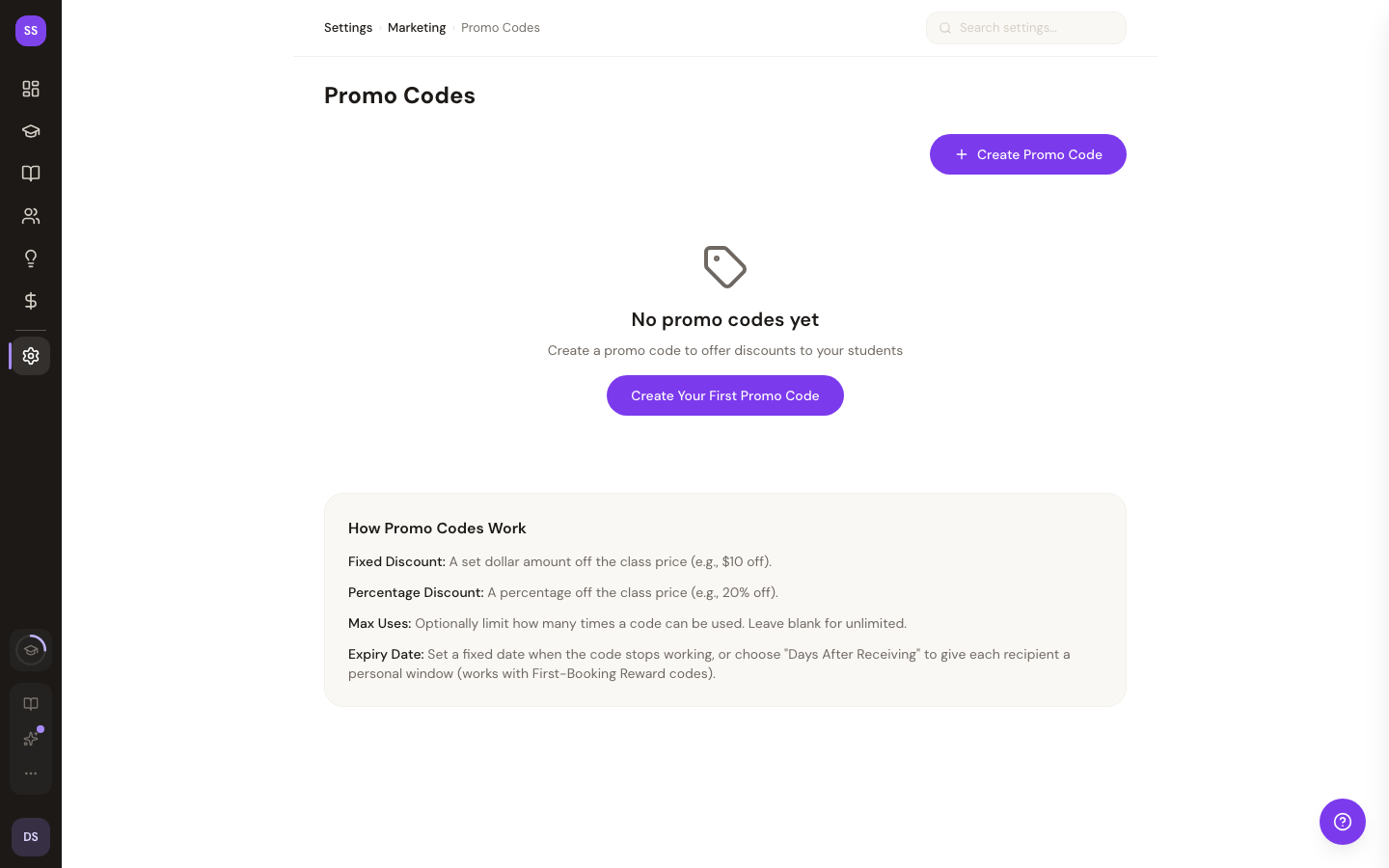
Creating a Promo Code
Click Create Promo Code to open the creation form.
| Setting | Required | Details |
|---|---|---|
| Promo Code | Yes | The code string that students will enter (e.g., "SUMMER20"). Automatically converted to uppercase. Letters, numbers, dashes, and underscores only. Max 20 characters. |
| Discount Type | Yes | Choose Percentage (e.g., 20% off) or Fixed Amount (e.g., $10 off) |
| Discount Value | Yes | For percentages: a value between 1 and 100. For fixed amounts: the dollar amount to discount. |
| Max Uses | No | Maximum number of times the code can be redeemed. Leave blank for unlimited uses. |
| Expiry Date | No | Date when the code stops working. Leave blank for no expiry. |
Click Create Promo Code to save. The new code appears in your list immediately.
Managing Promo Codes
Each promo code in the list shows its discount, usage count, and status.
Status Badges
| Badge | Meaning |
|---|---|
| Active | Code is available for use |
| Inactive | Code has been manually deactivated |
| Expired | Code has passed its expiry date |
| Max Uses Reached | Code has been redeemed the maximum number of times |
Toggling Active / Inactive
Click the toggle icon to activate or deactivate a promo code. Inactive codes cannot be used at checkout, but their usage history is preserved.
Deleting a Promo Code
Click the trash icon to deactivate a promo code. A confirmation dialog will appear before the code is removed.
Usage Tracking
Each promo code displays its current usage count. If you set a maximum number of uses, the display shows the count relative to the limit (e.g., "12/50 uses"). Codes without a max show just the total count (e.g., "12 uses").
How Guests Apply Promo Codes
When booking a class on your studio's public page, guests can enter a promo code at checkout. The discount is applied to the class price before payment is processed. The code, discount type, and discount amount are recorded with the booking.
Tips
- Use descriptive codes. Codes like "WELCOME10" or "SUMMER25" are easy for students to remember and share.
- Set expiration dates for seasonal promotions. This prevents codes from being used after a campaign ends.
- Monitor usage counts. If a code is being used more than expected, you can deactivate it at any time.
- Create limited-use codes for referrals. Set a max of 1 use and give unique codes to clients who refer friends.
Need Help?
Contact support at support@studiobase.org if you have questions about promo codes.