My Bookings (Student View)
The My Bookings page lets students see all their class reservations at your studio. Students access this from your studio's booking page after signing in.
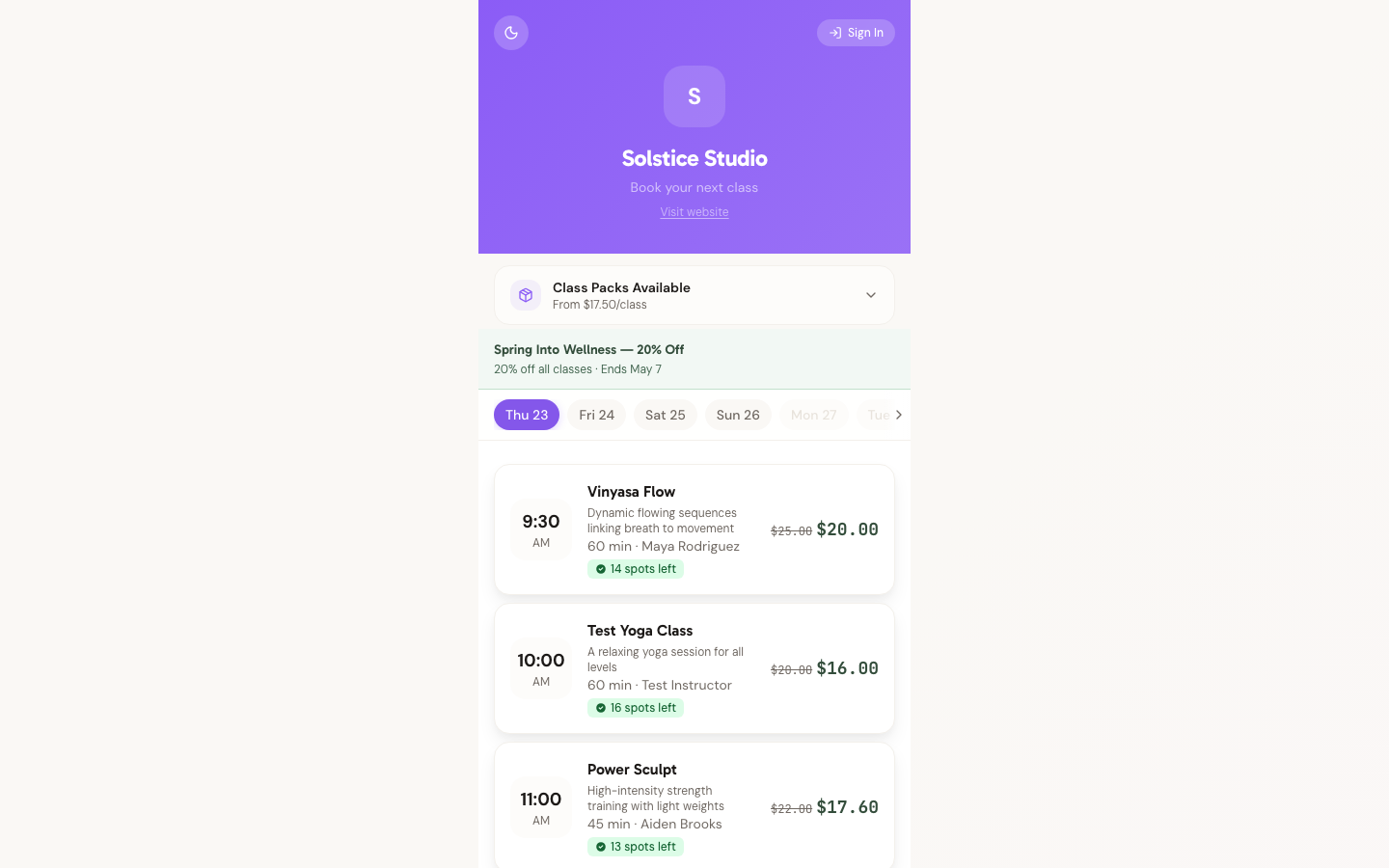
On phones the layout switches to a single-column card view:
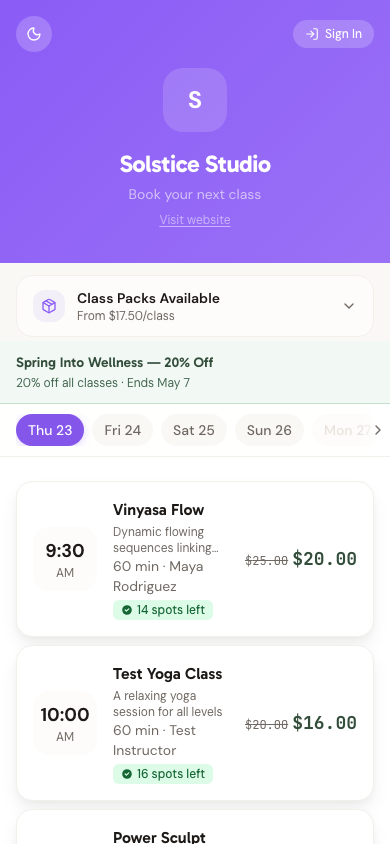
What Students See
Students can view their upcoming and past bookings, including:
- Class name and date/time
- Booking status (Confirmed, Cancelled)
- Links to individual booking details
How Students Access It
Students navigate to the My Bookings section from your studio's public booking page. They need to be signed in (via guest authentication or a full account) to see their bookings.
For Studio Owners
You manage bookings from the Bookings Dashboard in your admin panel. The student-facing My Bookings page is automatic — no configuration needed.
Need Help?
Contact support at support@studiobase.org if you have questions.
Last updated March 16, 2026