Communications Settings
Control which automated emails StudioBase sends to your customers and customize the content of booking confirmations. Navigate to Settings > Communications to manage these preferences.
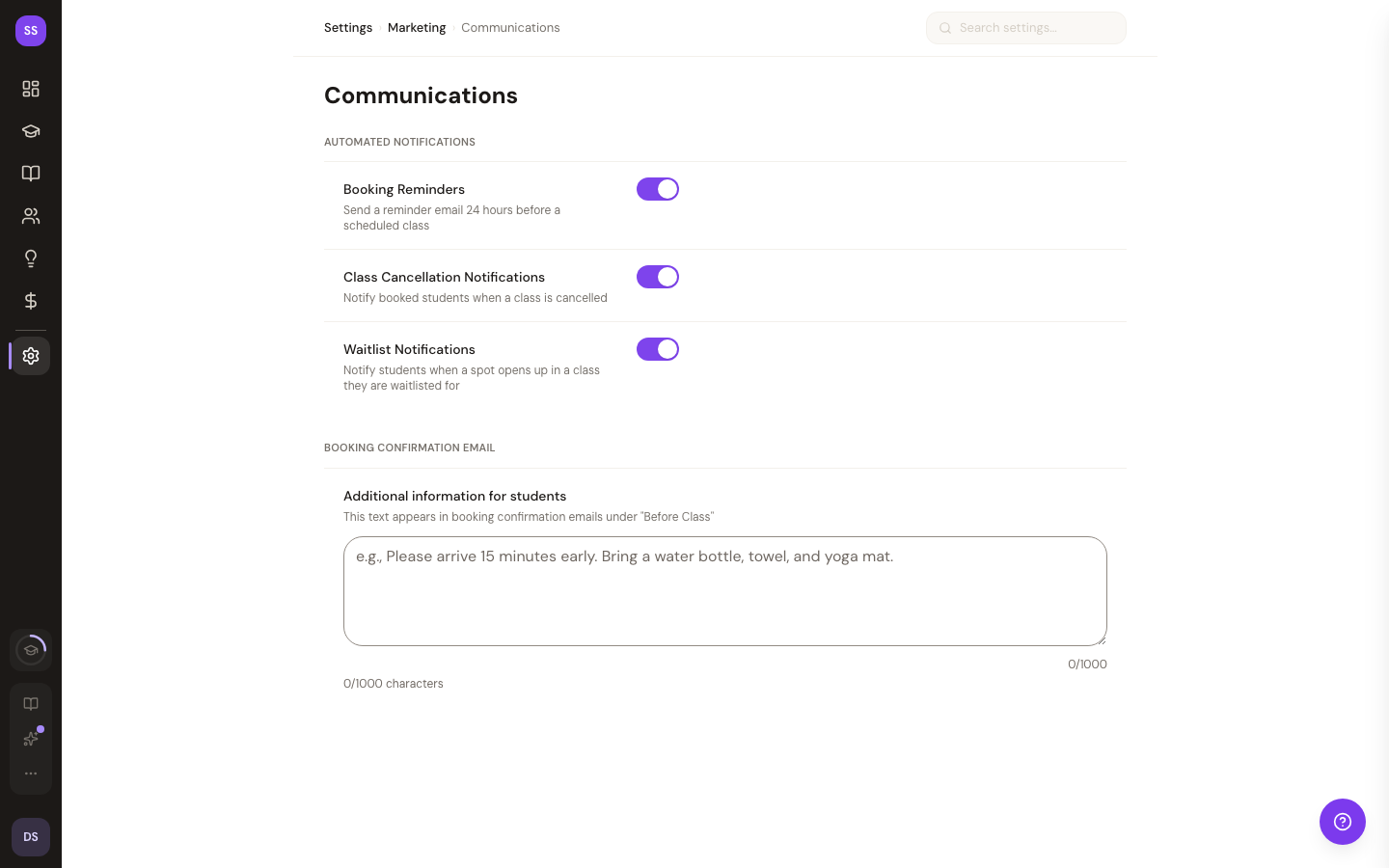
These settings control notifications sent to your customers (students and guests). To manage notifications sent to you as a studio owner, visit Notification Settings.
Automated Notifications
Toggle each customer-facing notification on or off:
- Booking Reminders -- sends a reminder email to students 24 hours before a scheduled class
- Class Cancellation Notifications -- notifies all booked students when a class is cancelled
- Waitlist Notifications -- alerts students when a spot opens up in a class they are waitlisted for
All three toggles are enabled by default. Disabling a toggle stops that type of email from being sent to your customers.
Booking Confirmation Email
When a student books a class, they receive a confirmation email. You can add a custom note that appears in this email under the Before Class section.
Use this field to share information such as:
- Arrival instructions (e.g., "Please arrive 15 minutes early")
- What to bring (e.g., water bottle, towel, yoga mat)
- Parking or access details
- Studio policies or reminders
The note has a 1,000-character limit. Leave it blank if you do not need to include additional information.
Saving Your Changes
After making changes, click Save Changes to apply your new communication preferences. The button is only active when you have unsaved changes.
Need Help?
Contact support@studiobase.org for assistance with communication settings.