Bookings Dashboard
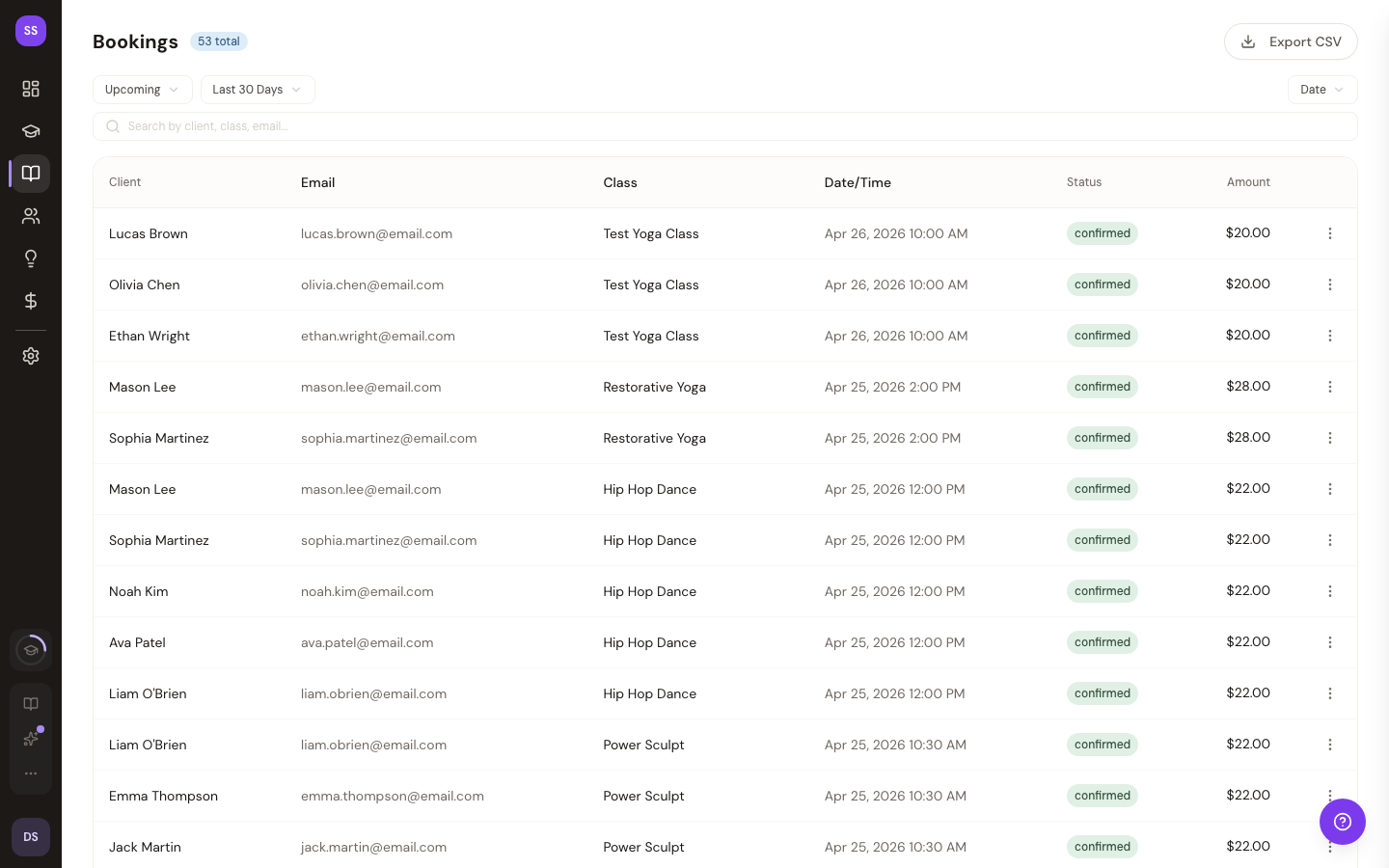
The bookings page gives you a complete list of all class bookings at your studio. You can browse, filter, and search through bookings to manage attendance and track student activity.
Go to Dashboard > Bookings to access this page.
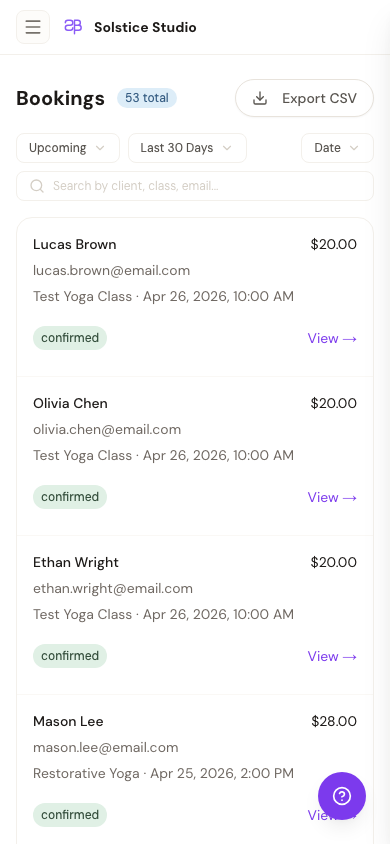
On narrow screens the same data collapses into a card list:
What You See
Each booking entry shows:
- Guest — student name and email
- Class — the class that was booked
- Date/Time — when the class occurs
- Status — Confirmed or Cancelled
- Attendance — Checked In, No Show, or Pending
- Amount — payment amount
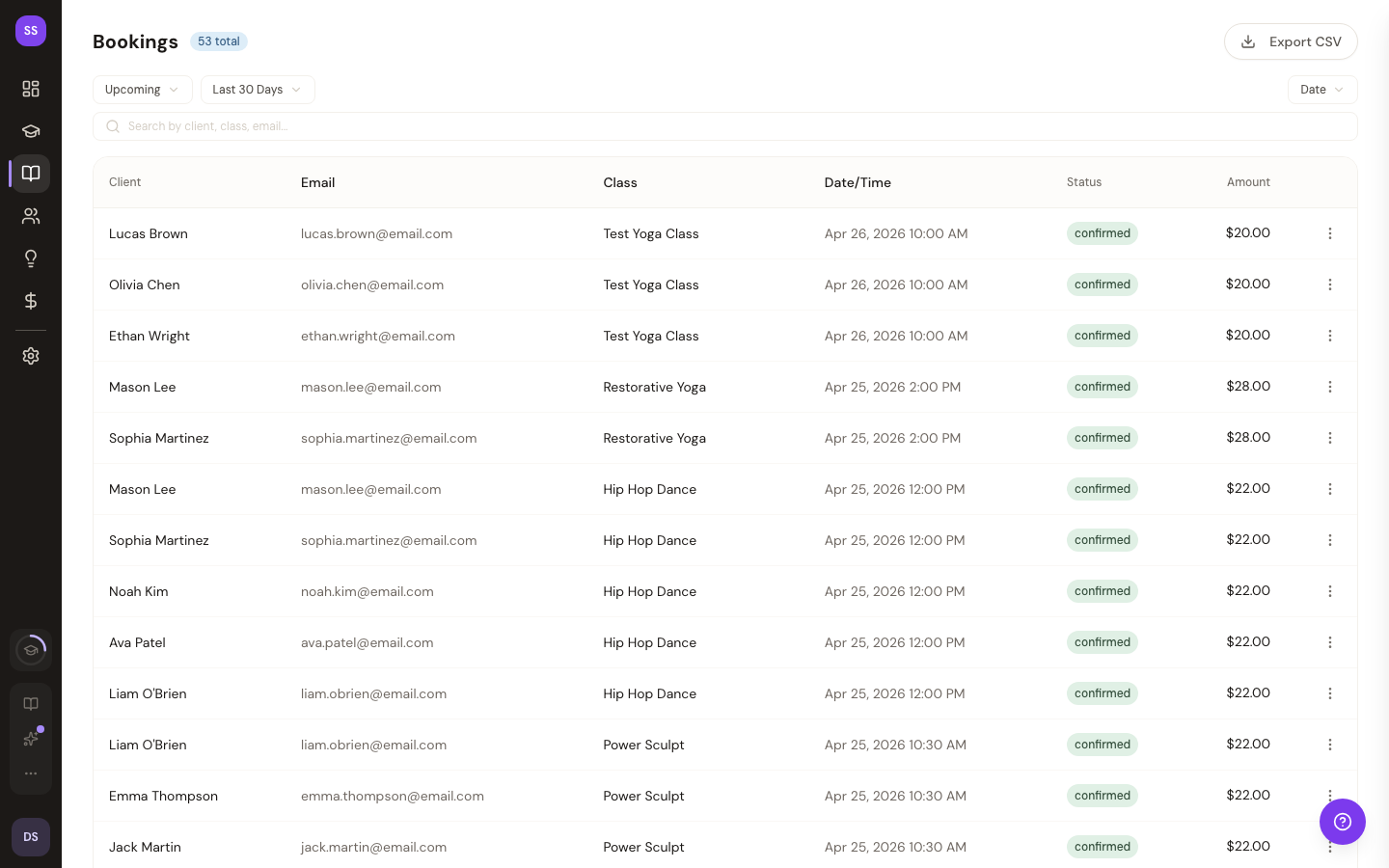
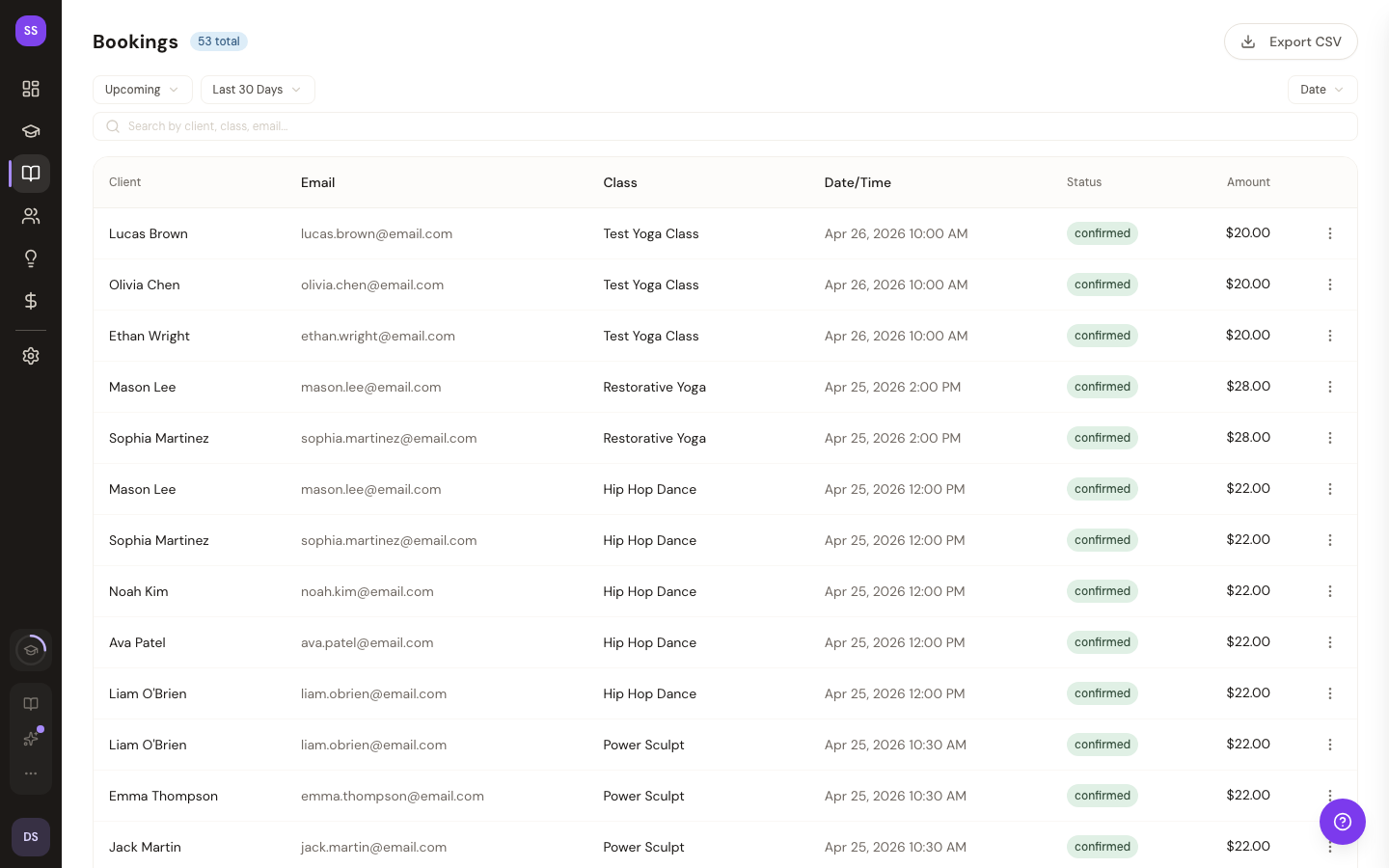
Filter pills at the top switch between All, Drop-in, and No-show views. Use these to narrow the list without typing a query:
Browsing Bookings
Bookings are displayed 50 per page, sorted with the most recent first. Use the pagination controls to browse through older bookings.
Managing Individual Bookings
Click on any booking to view its details or navigate to the class detail page where you can check in students, process cancellations, and manage attendance.
For detailed booking management including drop-ins and no-shows, see:
Need Help?
Contact support at support@studiobase.org if you have questions about managing bookings.