Class Detail
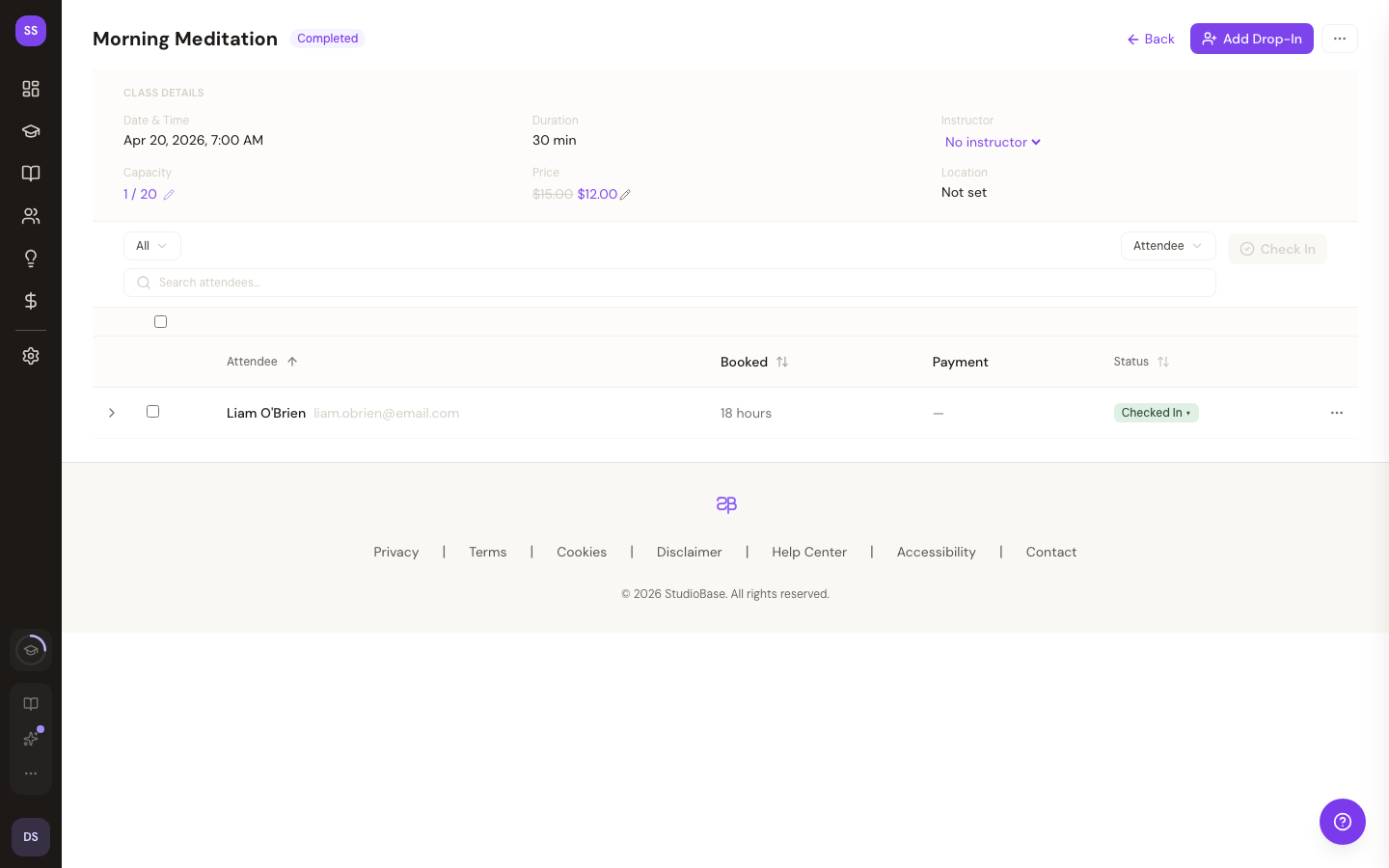
The class detail page shows everything about a specific class — its schedule, attendees, booking stats, and available actions. This is where you check in students, manage attendance, and review class performance.
Click on any class from your dashboard or bookings page to open its detail view.
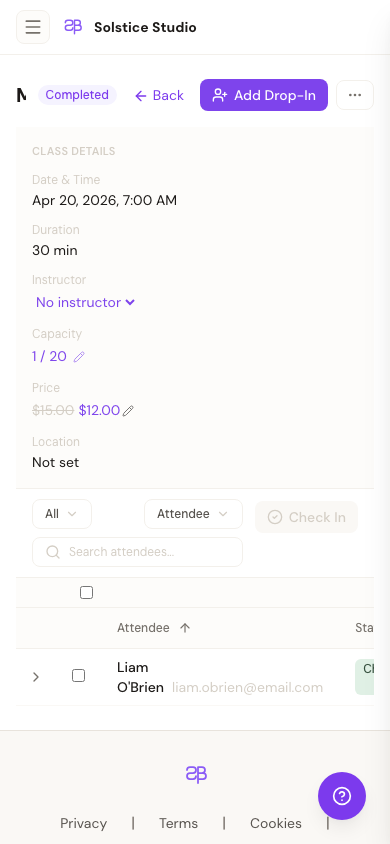
On phones the same view stacks the header, stats, and roster into a single scrollable column:
Class Information
At the top, you'll see:
- Class name and description
- Date and time with duration
- Instructor assigned to the class
- Capacity — total spots available
- Price — regular price and promotional price if an active promotion applies
Booking Stats
Three key metrics are displayed:
| Metric | Description |
|---|---|
| Total Bookings | Number of confirmed bookings |
| Available Spots | Remaining capacity |
| No-Shows | Students who didn't attend |
Attendee List
All bookings for the class are listed with each guest's:
- Name and email
- Booking status (Confirmed, Cancelled, Waitlisted)
- Attendance status (Checked In, No Show, Pending)
Checking In Students
Use the check-in controls to mark students as attended. When a student is checked in:
- Their attendance status updates immediately
- If your studio has a rewards program, their attendance counter advances
- Auto-checkin also runs after class ends as a background job
Recurring Classes
If the class is part of a recurring series, you'll see an indicator showing it was generated from a series. When editing recurring classes, you can choose the scope of your changes:
- This class only — changes apply to just this instance
- All future classes — changes apply to this and all upcoming classes in the series
- All in series — changes apply to every class in the series
Penalty Policy
If your studio has penalties configured, the class detail page shows the applicable penalty rules including no-show percentage, late cancellation percentage, and forfeit rules.
Need Help?
Contact support at support@studiobase.org if you have questions about managing classes.